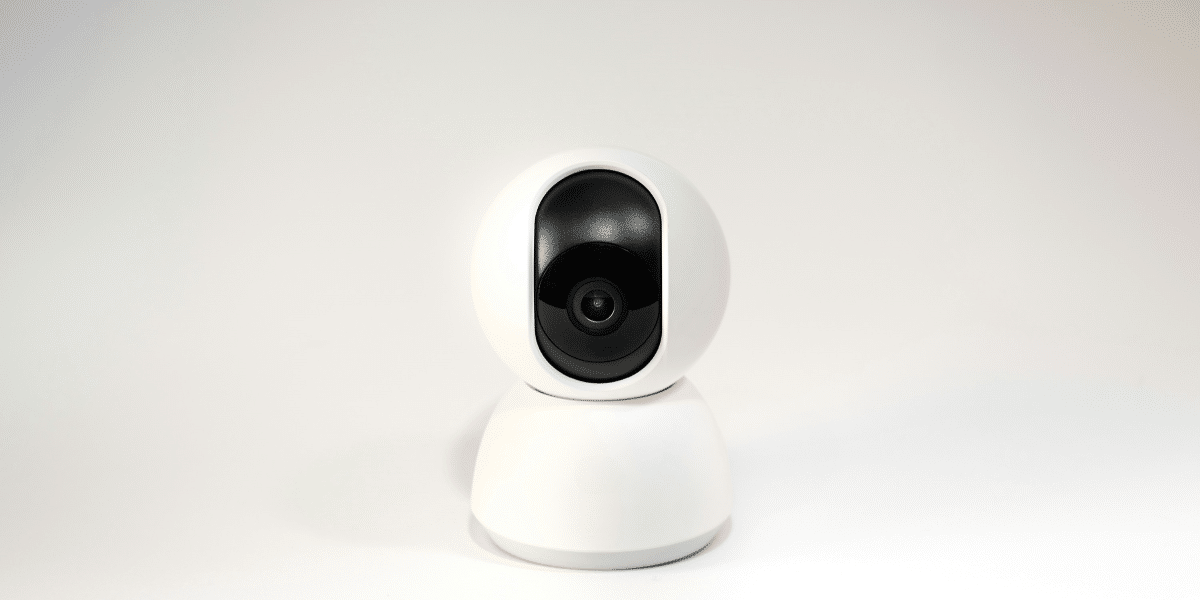
As remote work continues to be a common arrangement for many professionals, creating a productive and efficient home office has become increasingly important. One of the key pieces of technology that has become a staple in this new work-from-home environment is the webcam. Whether you’re participating in virtual meetings, giving presentations, or simply catching up with colleagues, the right webcam can have an impact on how you’re perceived on screen. With so many options available, it can be challenging to determine which one is best suited to your needs. Here’s a guide to help you explore your choices and find a webcam that aligns with your requirements.
Why Webcam Quality Matters
While a webcam might seem like a simple tool, its quality can influence how others perceive you during video calls and meetings. A webcam with clear video can help ensure that your image is sharp and that you’re more easily understood. On the other hand, a blurry or pixelated image can create distractions, which may affect the flow of conversation. A webcam that delivers high-definition video tends to improve clarity, providing a more professional impression.
However, image resolution is only part of the picture. Other factors, such as frame rate, low-light performance, and autofocus, can also affect the quality of your video. A webcam that maintains a smooth 30 frames per second (fps) or higher ensures that movements, such as hand gestures or facial expressions, appear fluid and natural. A camera with good low-light performance is especially helpful if you’re working in less-than-ideal lighting conditions, and autofocus helps ensure that your face remains clear and in focus throughout the call.
When choosing a webcam, consider these technical aspects. It’s important to remember that the most expensive model may not always be the best fit for every user. There are many webcams that offer professional-level quality at a reasonable price. Consider how you plan to use the webcam and make a decision based on your specific needs. Opting for a model from a reputable brand can offer a reliable balance of value and performance.
Webcam options from reputable brands can help ensure you’re getting both value and reliability for your investment.
The Different Types of Webcams: Choosing the Right Fit
Webcams come in a wide range of styles and configurations, and each offers different strengths. The main decision to make is whether you need a basic webcam or a more advanced model with features designed for professional use.
For most home office setups, a simple plug-and-play webcam may be all you need. These basic models typically offer satisfactory video quality for video calls and casual meetings. They are affordable, easy to use, and require minimal setup—simply plug in the USB cable and start using it. If you don’t need the highest resolution but still want a reliable webcam, these can often meet your needs.
However, if you frequently attend webinars, live-stream conferences, or regularly present to clients, you might want to consider a more advanced model. Professional webcams often provide improved image quality, faster autofocus, enhanced low-light capabilities, and additional software for adjusting your video settings. Many of these webcams also come with built-in microphones, offering a more comprehensive audio experience, which can be particularly valuable during presentations or virtual meetings.
There are also webcams with advanced features, such as 4K resolution, adjustable lenses, or background blur options. While these models tend to be more expensive, they can be a good fit for those who want to elevate their virtual presence, especially if privacy or reducing background distractions is a priority.
Features to Look For: The Essentials in a Webcam
When evaluating webcams, several features can enhance your video conferencing experience. While image and video quality are the most critical considerations, other practical aspects can also make a significant difference.
- Resolution: Most modern webcams offer 1080p (Full HD) resolution, which is usually sufficient for most professional settings. Some models also offer 4K resolution for those who prefer a sharper image, though 1080p is often more than adequate for typical video calls.
- Field of View (FOV): The field of view determines how much of the room the camera can capture. A wider FOV (around 90 degrees or more) may be useful if you need to show more of your workspace or include multiple people in the frame during a call.
- Microphone Quality: While many webcams come with built-in microphones, their audio quality can vary. Look for a model that provides clear sound, ideally with noise-canceling features to minimize background noise during calls.
- Mounting Options: The way a webcam is mounted can affect its placement and usability. Some models offer adjustable clips that attach to your computer monitor, while others have tripod threads for more flexible positioning. Positioning the webcam at eye level is generally preferred for more natural interactions.
- Software Integration: Many webcams come with bundled software that lets you fine-tune settings such as brightness, contrast, and zoom. Some webcams even offer features like background removal or replacement, which can help maintain a professional appearance in less-than-ideal environments.
Ultimately, the best webcam for you will depend on your specific needs and how much you’re willing to invest in your setup. By considering the features that matter most to you, you can choose a webcam that helps you present yourself clearly and professionally in virtual meetings.
Published by: Erin M.